
Years 4 to 12 · 2-hour lessons
Build a game your friends can actually play.
Children want to make games. By the end of a term your child has something real — a game they designed and finished themselves — and they will have learned genuine programming building it, because there is no other way to get there.
The question every parent is asking
Is making games still worth learning?
More than ever, and a game shows why. The character falls through the floor, the score resets at the wrong moment, and nothing tells you why — somebody has to read it and find the fault. A child who has never built one from nothing cannot. Games are how we start, because children care about them. The programming is the point.
01
It is real programming
A game has to run correctly every single frame, in front of the fussiest critic there is — the child who made it. Loops, variables, collisions, keeping track of state: all of it gets learned, because the game does not work until it is.
02
Judgement
Code can look right and still play wrong. Working out which line is lying is reading, not typing — and reading is the half that survives.
03
Finishing something
Most people never finish what they start. A game has a definite finished: it runs, somebody else plays it, and it either works or it does not. Children are not used to that, and it changes them.
04
Taste
Deciding what is actually fun is a human judgement. No model will tell your child whether their level is too hard. Only watching a friend play it will.
What we are not doing
Dragging a character across a screen is not coding.
Plenty of holiday programs hand a child a finished template, let them change the colours and the character, and send them home with a “game”. It is fun for an afternoon and it teaches nothing. Here your child designs their own game — which means deciding the rules, and then working out how to make a machine follow them exactly. That is programming, whatever it looks like on the screen.
What we promise you
“Understanding first — then the next thing.”
A child can build something and still not know how it works. When that happens we go back and teach it properly. Nobody is marked down for taking longer, and nothing they made is taken away — but no child is moved on without the part underneath.
The programme
What your child builds, stage by stage.
Every child starts where they are. Older beginners are welcome — the stages follow ability, not just age.
Years 4–6
Your first real game
- Design it on paper before touching a screen
- Build it in a professional engine that runs in the browser
- Make it fair: rules, scoring, difficulty
- Watch someone else play what they made
Years 7–9
Now write the code
- The same projects, but writing real JavaScript
- Variables, functions, and keeping track of state
- Finding your own bugs — most of the job
- A game planned and finished start to end
Years 10–12
Beyond the engine
- Programming properly, outside any game tool
- How a real game is actually structured
- Testing, performance and version control
- A substantial project, plus a written defence of it
Inside a lesson
What a two-hour lesson looks like.
The same shape every week, so children always know what is coming.
Play
Take something apart
Ten minutes playing something — then working out why it feels good. Difficulty, feedback, reward. Children stop being players and start being designers.
Teaching
One idea, taught properly
One new technique, explained and demonstrated: collisions, scoring, how an enemy decides what to do, saving a player's progress.
Build
Their own game, watched live
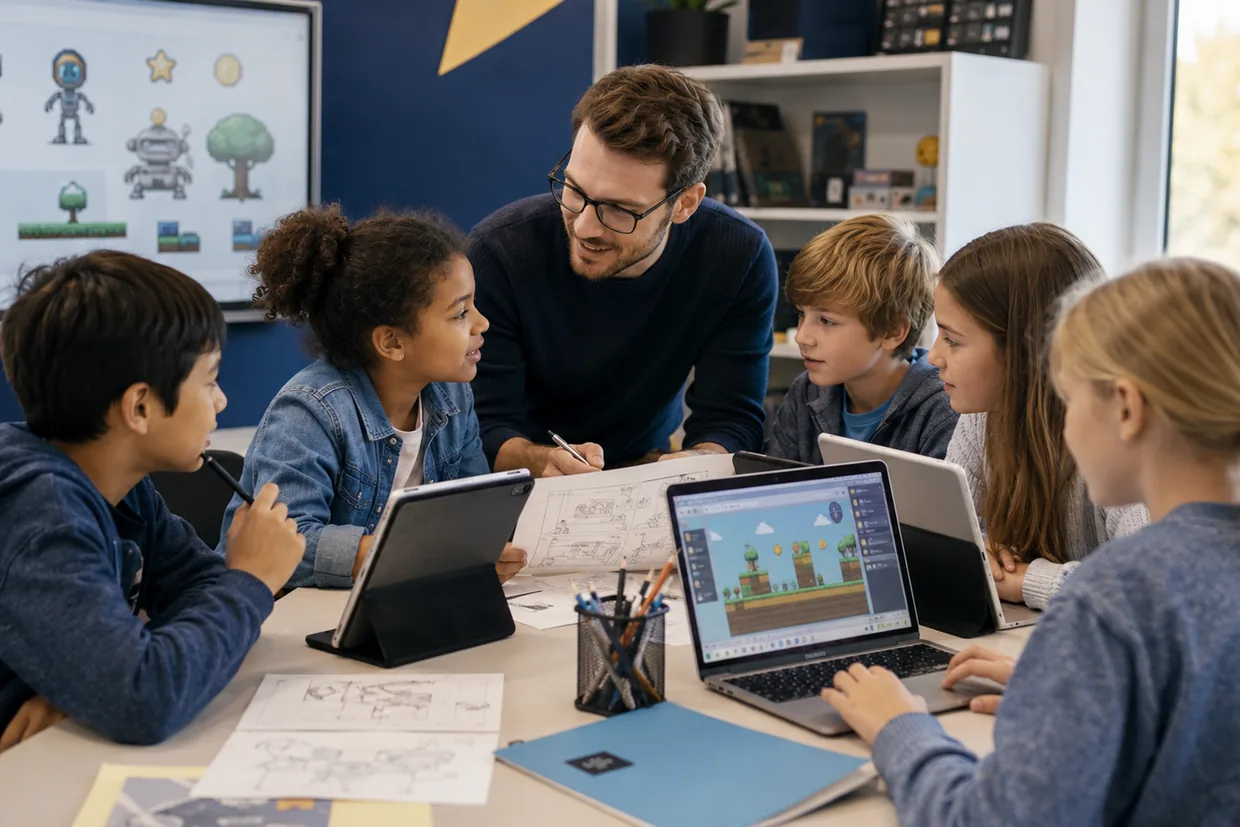
The rest of the lesson is building. The teacher moves between screens, catching mistakes as they form and asking children to explain what they made.
Why here
What makes this different.
Free · no obligation
Ask us about Game Making for Kids.
Tell us your child's year and what you are hoping for. We will reply with the next available times.
- 1What your child is ready forWe will tell you which stage suits them, honestly.
- 2What they will buildThe kinds of games at that stage, in plain language.
- 3When classes runCurrent times, in centre and online.
Plus a software subscription for the tools your child uses in class — we will tell you the current cost when you enquire.
There is a discount when a child takes more than one technology course.
Ask us about our referral discounts.
Straight answers
Questions parents actually ask.
Is this just playing games?+
No — though we do play, briefly and deliberately. Ten minutes pulling apart why a game feels good teaches design better than an hour of theory. For the rest of the lesson your child is building.
Is this real coding, or drag and drop?+
Both, in that order. Younger children build with a visual system so they learn the logic without fighting spelling and semicolons. From Year 7 they write real JavaScript in the same projects. By Years 10 to 12 they are programming properly, outside any game tool.
Will they make Minecraft or Roblox?+
No — and be careful of anyone who promises it. Those are enormous 3D worlds built by large teams over years. Your child will build their own 2D games from their own ideas, which is far better for learning and far more satisfying to actually finish.
My child has never coded before. Is that a problem?+
Not at all — most start with none. Children are placed by ability rather than only by age, so a Year 8 beginner is not put in with children who have been building for three years.