
Years 4 to 12 · 2-hour lessons
Children who build things they can explain.
Imagine your child not just playing games, but building them. Not just using apps and websites, but writing them.
The question every parent is asking
Is learning to code still worth it?
Software still has to be correct, and only someone who can read it can judge whether it is. A child who has never written any cannot tell careful work from confident nonsense. The work has moved to checking — and checking is the harder half.
01
Problem-solving
Break something large into small pieces, test each one, and keep going when it fails. That habit carries into maths, science and every exam.
02
Judgement
Work that looks right is not the same as work that is right. A child who has written it themselves can tell the difference.
03
Resilience
Debugging is where being wrong is normal, expected and fixable. Children who get used to it stop flinching at hard problems.
04
Creativity
Code is a material, like paint or clay — how a child turns “wouldn’t it be good if…” into something real.
The problem with most coding classes
A finished game is not the same as a child who learned something.
Copying a tutorial step by step feels productive. The screen fills up, the parent sees a result, and the child could not rebuild any of it the next day. What we care about is whether your child can start from nothing, get stuck, and get themselves unstuck.
What we promise you
“Understanding first — then the next thing.”
A child can build something and still not know how it works. When that happens we go back and teach it properly. Nobody is marked down for taking longer, and nothing they made is taken away — but no child is moved on without the part underneath.
The programme
What your child learns, stage by stage.
Every child starts where they are. Older beginners are welcome — the stages follow ability, not just age.
Years 4–6
Foundations
- Block coding, then first real Python
- Sequence, loops, conditions, variables
- Design and build their own small game
- Reading an error message without panicking
Years 7–9
Real programming
- Python properly: functions, lists, files
- Breaking a big problem into small ones
- Debugging taught as a skill, not a rescue
- A project they planned themselves
Years 10–12
Depth and rigour
- Algorithms, efficiency, data structures
- Version control and working like a developer
- A substantial project, plus a written defence of it
- Preparation for senior computing subjects
Inside a lesson
What a two-hour lesson looks like.
The same shape every week, so children always know what is coming.
Warm-up
Short drills
Ten minutes of small, timed problems on what was taught last week. It shows the teacher instantly who has kept it and who has not.
Teaching
One idea, taught properly
One new concept, explained and demonstrated. Not a worksheet — actual teaching, with the teacher writing code in front of them.
Build
Their own work, watched live
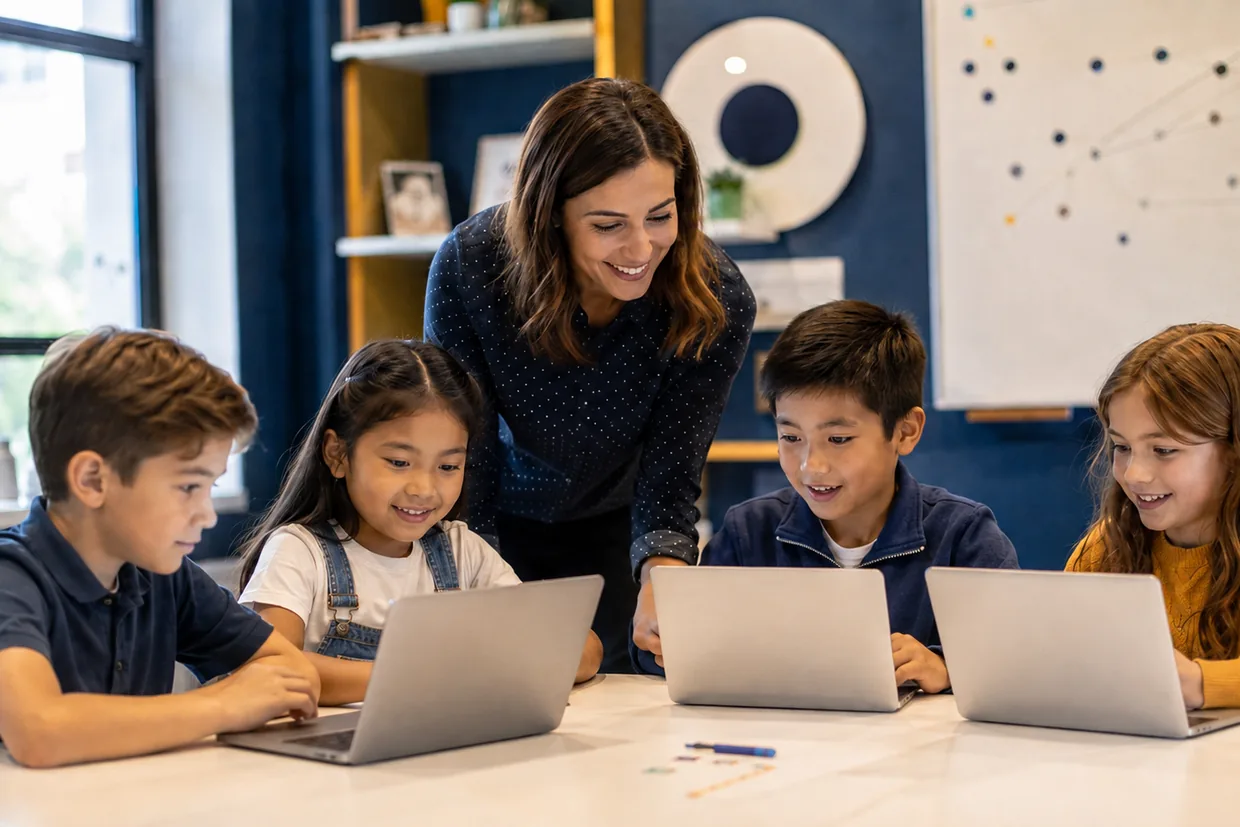
The rest of the lesson is building. The teacher moves between screens, catching mistakes as they form and asking children to explain what they have written.
Why here
What makes this different.
Following the footsteps of giants
The spark usually starts early.
Many of the people who built the technology your child uses every day started as children, messing about with a computer because it was interesting. Not one of them was told it was a waste of time.
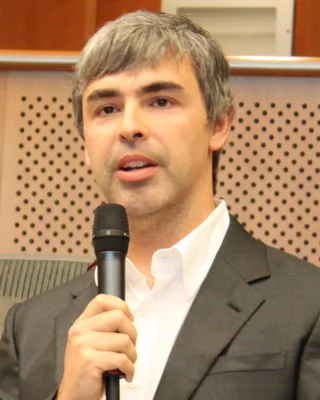
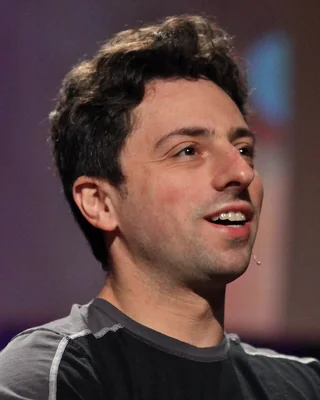
Larry Page & Sergey Brin
The pair who asked a better question
Page had his own computer at six and built a working printer out of Lego. Brin was given a Commodore 64 for his ninth birthday. Years later they met as students, built a search engine in a university room, and called it Google.

Mark Zuckerberg
The problem solver
At about twelve he wrote a messaging program so his father’s dental practice could pass messages between rooms. A real problem, solved with code.

Melanie Perkins
The Australian one
At nineteen, teaching design software to students in Perth, she thought design ought to be simpler. That idea became Fusion Books, and then Canva.

Elon Musk
The one who finished something
At twelve he wrote a game called Blastar and sold it, reportedly for about $500. Not a school exercise — something finished, that somebody else actually wanted.
We are not promising your child will build the next Canva. The point is smaller and more useful: children who meet this early, with someone to show them the next step, find it easy later.
These are historical examples of people who began young. None of them is associated with SelectiveCoach in any way.
Portraits via Wikimedia Commons: Larry Page by Stansfield PL, CC BY-SA 3.0; Sergey Brin by Steve Jurvetson, CC BY 2.0; Mark Zuckerberg by The White House, Public domain; Melanie Perkins by Melanie Perkins, CC BY-SA 2.0; Elon Musk by Gage Skidmore, CC BY-SA 4.0.
What they take home
Not just playing games. Building them.
01
Games
Platformers, top-down adventures, shooters — designed, built and finished, not downloaded from a tutorial and renamed. Children make their own artwork with AI tools, then write the code that makes it move.
02
Websites
Real HTML, CSS and JavaScript, published so family can actually visit them.
03
Stories and books
Picture books and graphic novels — written by your child, illustrated using AI tools, laid out and published online.
04
Python programs
Real code, not coloured blocks. By the end they are writing programs a working programmer would recognise — and can explain every line of.
Who teaches it
Designed by someone who has shipped real software.
Every course is written and taught by a qualified Mathematics and Computing teacher who is also a software engineer with more than twenty years of industry experience — someone who has built real systems for a living, not a hobbyist working through a course.
“My goal is to make complex skills fun, meaningful and achievable for every child. We are building the next generation of creators.”
Founder and lead instructorFree · no obligation
Ask us about Coding for Kids.
Tell us your child's year and what you are hoping for. We will reply with the next available times.
- 1What your child is ready forWe will tell you which stage suits them, honestly.
- 2What the lessons coverThe full outline for that stage, in plain language.
- 3When classes runCurrent times, in centre and online.
Plus a software subscription for the tools your child uses in class — we will tell you the current cost when you enquire.
There is a discount when a child takes more than one technology course.
Ask us about our referral discounts.
Straight answers
Questions parents actually ask.
Isn’t coding pointless now that AI can write it?+
Two answers. It is a compulsory school subject to the end of Year 8 and an HSC subject in NSW, so your child is assessed on it either way. And the skill has moved from writing code to checking it — which still takes someone who can read it.
My child has never coded before. Is that a problem?+
Not at all — most start with no experience. Children are placed by ability rather than only by age, so a Year 8 beginner is not put in with children who have been coding for three years.
Is this just making games?+
Games are often how we start, because children care about them. But the point is the thinking underneath: breaking a problem down, testing an idea, and fixing what is broken.
What if my child already codes at school?+
School computing is usually an hour a week shared with a large class. Two hours with a teacher watching your child's actual screen is a different thing. Ask us about starting at a later stage.